
Yono VIP Withdrawal Pending? What to Check First
Last updated: March 23, 2026
Author: Aman Kumar
Reviewed by: TopYonoGames Editorial Team
If your Yono VIP withdrawal is pending or not going through, the reason is usually one of a few common issues: the amount is below the limit, verification is incomplete, payment details do not match, or the balance is not fully withdrawable yet. Public Yono-related pages often show a minimum withdrawal around ₹100, mention UPI payouts, and point to balance rules that can affect cashout eligibility.
Before trying again, it helps to check the basics properly.
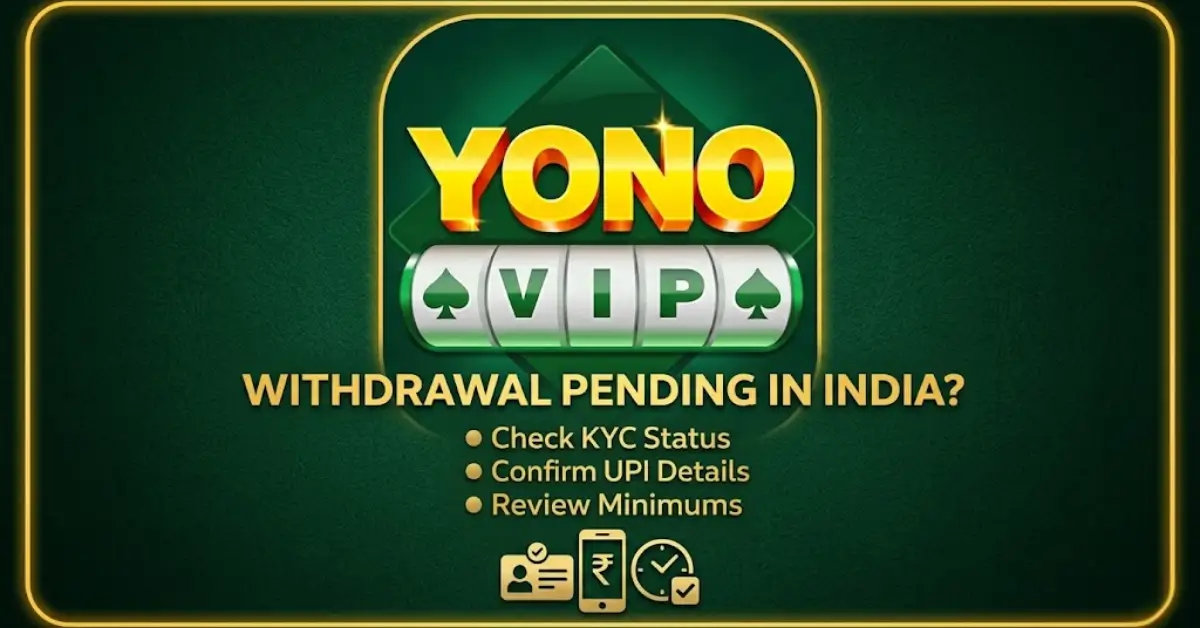
Quick check If your withdrawal is stuck, start with these three things:
- Is the amount above the minimum?
- Is your account fully verified?
- Is the balance actually ready for withdrawal?
Check the balance first
This is the first place to look.Money showing in the app and money ready to withdraw are not always the same. YonoVIP’s published terms describe different wallet balances, with restrictions linked to cash credits, gameplay after cash credit, and separate handling for winnings and bonus-linked balances.In simple terms:- deposit balance is not always the same as withdrawable winnings
- bonus balance may come with extra rules
- total wallet value can look higher than the amount you can actually cash out
Common reasons a withdrawal stays pending
Amount is below the minimum
The minimum withdrawal is often shown around ₹100, but it is still better to check the latest amount inside the app before you submit a request.Verification is incomplete
If your account verification is still incomplete, the withdrawal may stay on hold until that step is finished. Some Yono-related app and site pages indicate that verification can be part of the payout process.Payment details do not match
A small mismatch in your UPI or bank details can delay the payout.This can happen if:- the name does not match the account
- the UPI ID is entered incorrectly
- the payment method is not accepted for that request
Bonus conditions still apply
Not every credited amount is ready for withdrawal immediately. Bonus-linked funds and certain wallet balances may only become withdrawable after the required conditions are completed. YonoVIP’s terms describe restrictions tied to bonus and gameplay conditions.Request is still under review
Smaller withdrawals are often faster, while larger amounts may take longer depending on review and account status. Some Yono-related pages describe this pattern, though timing is not always fixed.You tried again too quickly
If you submitted another request before the first one fully cleared, it becomes harder to see what is actually happening. It is usually better to review the first request properly before sending another.What the status means
The wording may look slightly different inside the app, but the meaning is usually similar.Pending
The request has been received but not completed yet.Failed
The request could not be completed, often because of a payment or detail issue.Rejected
The request did not meet one of the required conditions, such as verification, balance eligibility, or another account rule.Before you try again
Go through these checks first:- make sure the amount is above the minimum
- confirm that KYC is complete
- check that your UPI or bank details match the account
- see whether the balance includes bonus-linked funds
- check whether the full processing time has already passed
- keep a screenshot of the request
- screenshot of the withdrawal request
- wallet or transaction history
- date and time of the request
- payment method used
- any error message shown
- proof of verification if the app asked for it
How long it may take
There is no single fixed time for every request.In many cases, smaller withdrawals are quicker, while larger amounts may take longer. Timing can also depend on:- the amount
- the payout method
- account verification
- internal review
- current processing load
Why wallet balance feels confusing
A lot of confusion starts here.A deposit is not always the same as withdrawable winnings. A bonus is not always cashable straight away. Wallet balance can include more than one kind of amount. YonoVIP’s terms point to separate handling for different balances and conditions tied to gameplay after cash credit.The easiest way to look at it is:- deposit = money added to the account
- bonus = promotional credit that may come with rules
- winnings = amount that may become eligible for withdrawal depending on the app’s conditions
When to wait and when to contact support
Wait first if:
- the request still shows as pending
- the stated processing time is not over yet
- there is no error message yet
Recheck your details if:
- the request failed quickly
- you are not sure the amount meets the minimum
- the payment details may not match
- the balance may still be tied to bonus conditions
Contact support if:
- the request is still pending after the stated time
- the withdrawal failed or was rejected without a clear reason
- money was deducted but not received
- the app asks for more verification without showing clear next steps
Common mistakes that delay withdrawals
These are the mistakes that come up most often:- entering the wrong UPI ID
- using a different name than the account holder
- trying to withdraw before verification is complete
- ignoring the minimum withdrawal amount
- assuming all wallet balance is cashable
- sending another request too quickly
Before you add more money
If a withdrawal is pending, do not assume that adding more money will solve it.Check first:If the reason is still unclear, it is better to review the account first than to add more money and hope the problem clears on its own.“Yono VIP Official” can be confusing when the same name appears across different links and claims. A clear explanation of Yono VIP Official helps before taking the next step.
- whether the current balance is actually withdrawable
- whether a bonus condition is still active
- whether the account needs verification
- whether the app has already shown a reason for the delay